

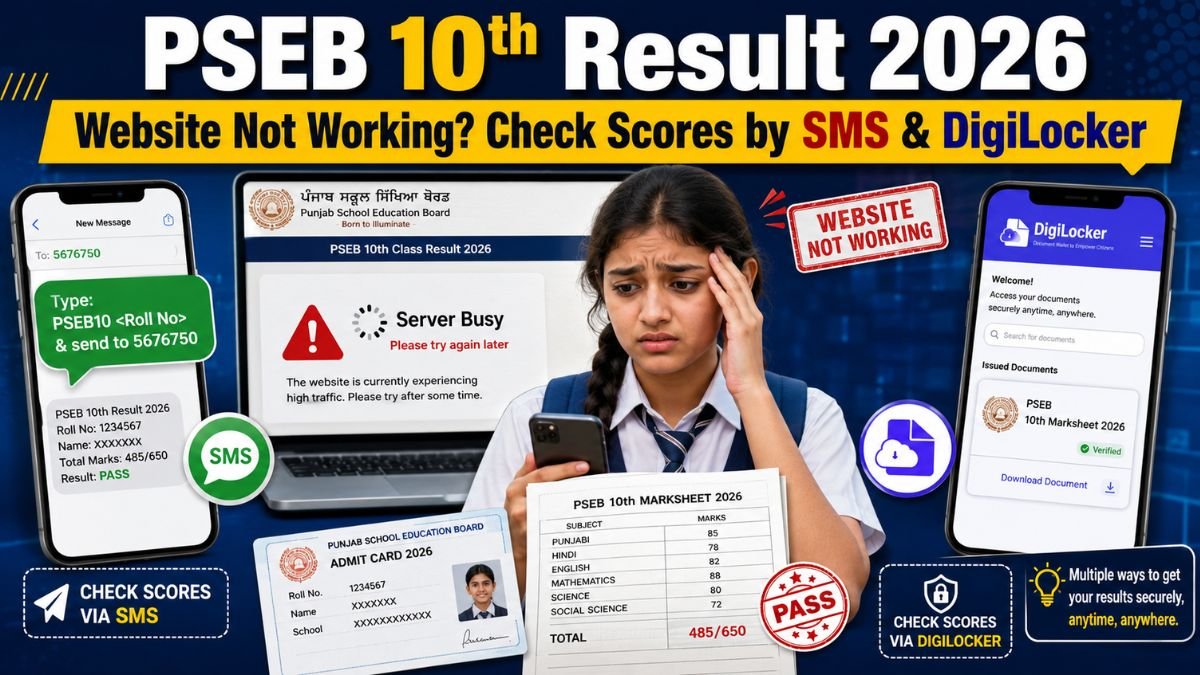
The Punjab School Education Board (PSEB) has declared the Class 10 Result 2026 today, May 11, 2026, at 12:30 PM. As lakhs of students try to open the official website at the same time, the portal may become slow, unresponsive, or temporarily unavailable.
Students should not panic if pseb.ac.in is not loading properly. The board result is also available through alternate methods such as SMS, DigiLocker, and result partner websites.
This year, the overall pass percentage stands at 94.52%, according to result updates.
Why pseb.ac.in May Not Be Working
The PSEB website may slow down because thousands of students, parents, and schools are checking results at the same time. Heavy traffic often causes server errors, delayed loading, or login failure on result day.
If the official website does not open, students should wait for a few minutes and try again. They can also use alternate result options instead of refreshing the same page repeatedly.
Alternate Websites to Check PSEB 10th Result 2026
Students can check their Punjab Board Class 10 result through these platforms:
- pseb.ac.in
- punjab.indiaresults.com
- digilocker.gov.in
The official PSEB homepage has listed the Matriculation Examination Result March 2026 result option for students to check individual scores by roll number.
How to Check PSEB 10th Result 2026 by SMS
If the website is not opening or internet speed is poor, students can use the SMS method. This is one of the easiest ways to get the result quickly.
To check the Punjab Board 10th result by SMS:
- Open the messaging app on your mobile phone.
- Type PB10 Roll Number.
- Send it to 5676750.
- The PSEB Class 10 result will be sent to the same mobile number.
Several result updates have listed the SMS format as PB10<Roll Number> sent to 5676750.
How to Check PSEB 10th Result 2026 on DigiLocker
Students can also download their provisional marksheet through DigiLocker. DigiLocker is a secure government-backed platform for storing and verifying digital documents and certificates.
To check the result on DigiLocker:
- Log in to the DigiLocker website or mobile app.
- Go to the Education section.
- Select Punjab School Education Board.
- Choose Class X Marksheet.
- Enter roll number and passing year 2026.
- Download the provisional marksheet.
This digital marksheet can be used for admission purposes until students receive the original marksheet from their schools.
How to Check PSEB 10th Result by Roll Number or Name
When the official website starts working, students can check the result online by following these steps:
- Visit pseb.ac.in.
- Click on the result tab or Matriculation Examination Result March 2026 link.
- Enter roll number or name.
- Submit the details.
- Download the result PDF.
- Take a printout for future use.
Students should carefully check their name, roll number, subject-wise marks, total marks, and qualifying status.
Conclusion
If the PSEB 10th Result 2026 website is not working, students still have several reliable options to check their scores. They can use SMS, DigiLocker, Punjab India Results, or try the official PSEB website again after some time.
Students should download their provisional marksheet and verify all details carefully. In case of any mistake, they should contact their school or the Punjab School Education Board for correction.