

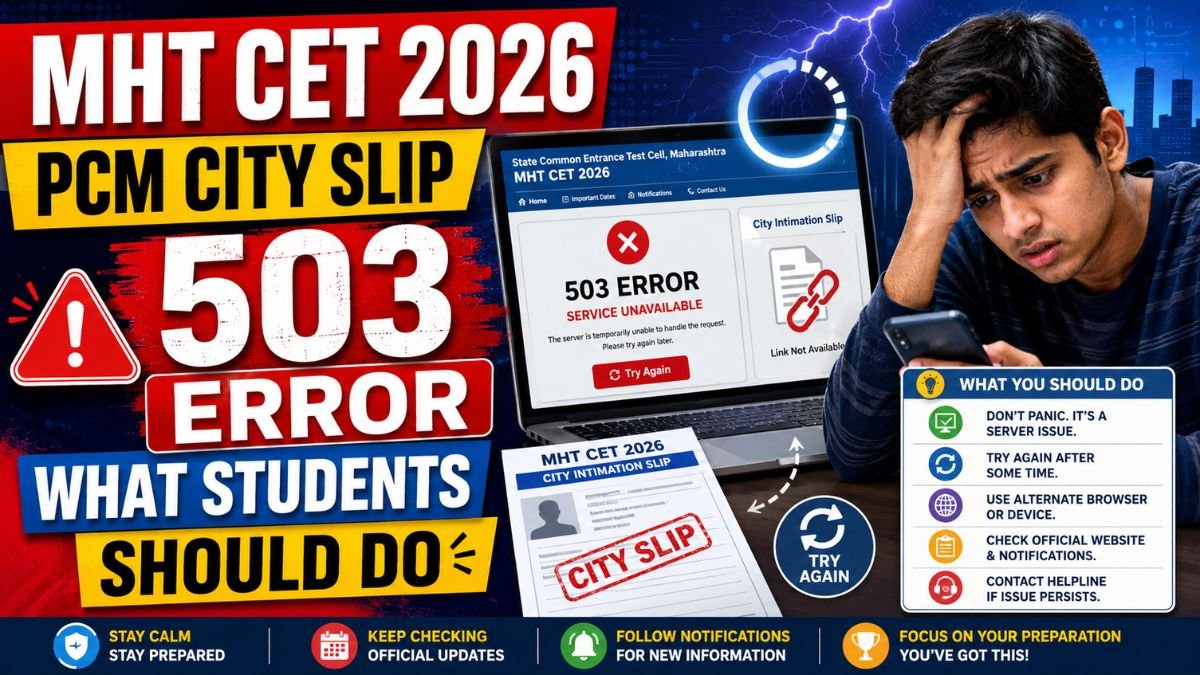
The State Common Entrance Test Cell, Maharashtra released the MHT CET 2026 city intimation slip for PCM candidates on May 5. Candidates appearing for the PCM group examination can download their city slip from the official website, cetcell.mahacet.org.
However, soon after the link went live, many students reported that the provisional hall ticket or city slip link was showing a 503 error.
Some candidates also saw messages such as “temporary service unavailable” or “internal server error” while trying to log in and check their allotted exam city, date, and shift.
The issue has created concern among MHT CET aspirants, but students are advised not to panic. Such errors usually occur when too many candidates try to access the website at the same time.
Why Is the MHT CET City Slip Link Showing 503 Error?
A 503 error generally means that the server is temporarily unavailable. This can happen when the website receives heavy traffic or when the server is unable to handle too many login requests at once.
Since lakhs of students appear for MHT CET every year, a large number of candidates may have tried to download the PCM city slip immediately after the link was activated. This sudden traffic load can slow down the website or cause temporary backend failures.
In many cases, the main official website may work normally, while a specific admit card or city slip login link may show an error due to high demand.
What Should Students Do If They Cannot Download the City Slip?
Students who are unable to download the MHT CET 2026 PCM city slip should first wait for some time and try again later. There is no need to repeatedly refresh the page every few seconds, as this can increase server pressure.
Candidates can try logging in during non-peak hours, such as early morning or late night, when fewer users are likely to be active on the portal.
Before logging in again, students should also double-check their application number, password, and other login details. Incorrect credentials may sometimes be mistaken for a technical issue.
Simple Steps to Fix the Login Issue
If the problem continues, candidates can try a few basic troubleshooting steps.
They should refresh the page after a short gap, clear browser cache and cookies, or open the website in a different browser. If they are using a mobile phone, they can try switching to a laptop or desktop. Similarly, students using one internet connection can try another stable network.
Using an updated browser can also help avoid loading issues. Candidates should avoid using multiple tabs or repeated login attempts at the same time.
When Should Students Contact the Helpdesk?
If the 503 error or login problem continues for a long time, students should contact the official helpdesk of the State CET Cell, Maharashtra.
While contacting the helpdesk, candidates should keep their registration details, application number, registered mobile number, and email ID ready. They should clearly explain the issue and mention the error message shown on the screen.
Students should rely only on official updates from the CET Cell and avoid unofficial links or third-party websites claiming to provide hall tickets.
Is the City Slip the Same as the Admit Card?
The city intimation slip generally informs candidates about their allotted exam city, date, and shift. The admit card or hall ticket contains more detailed exam centre information and is mandatory for entry into the examination hall.
Candidates should carefully read the instructions printed on the hall ticket once it is downloaded. They must carry a printed copy of the admit card to the exam centre, along with a valid photo ID as required.
Final Thoughts
The MHT CET 2026 PCM city slip link showing a 503 error is most likely a temporary technical issue caused by heavy website traffic. Students should remain calm and try downloading the slip again after some time.
Clearing browser cache, changing browsers, using a different device, and logging in during non-peak hours can help resolve the issue. If the problem continues, candidates should contact the official CET Cell helpdesk.
Most importantly, students should keep checking the official website, cetcell.mahacet.org, for updates and avoid relying on unofficial sources.
The technical issue is expected to be resolved, and candidates will be able to access their city slip or hall ticket once the server stabilizes.